

Online Booking
MTC Online Booking
Book new work through your website
ATTRACT NEW CUSTOMERS WHEN YOU LET THEM BOOK NEW WORK THROUGH YOUR WEBSITE AND FACEBOOK PAGE—AND RECEIVE A NOTIFICATION AS SOON AS IT HAPPENS.
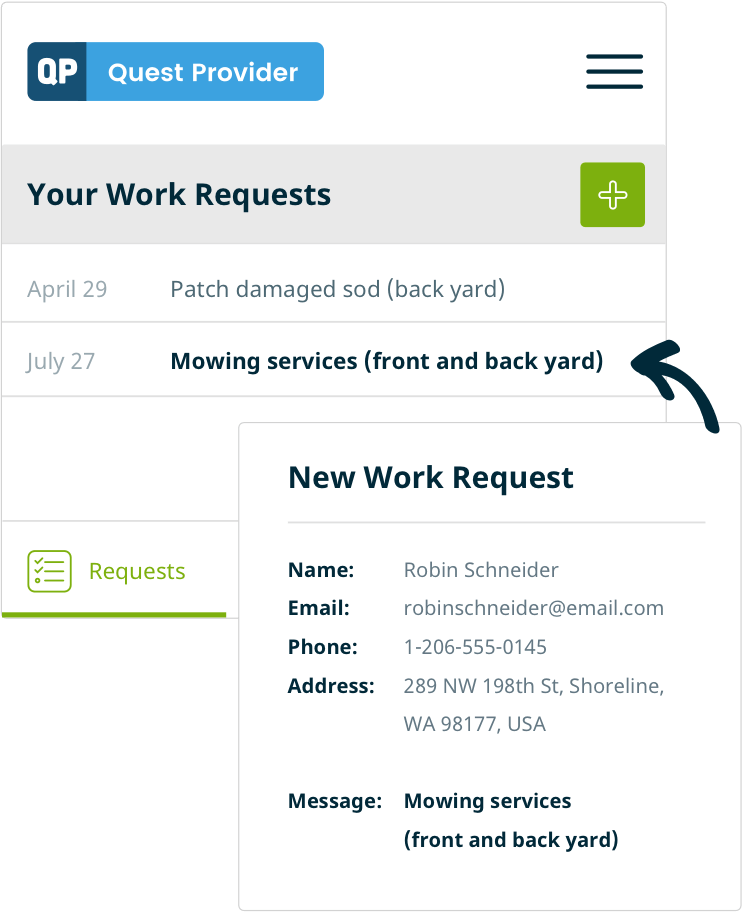
When a client submits a booking request, Jobber instantly sends you a notification to your phone. You can review the request in Jobber and quickly convert them into quotes or jobs to get to work faster!
The online booking form allows you to collect your customer’s name, address, the service they want, along with their preferred dates and time.
Available on Connect and Grow plans. Visit Pricing
ON-SITE ASSESSMENTS
When a client submits a booking request, you have the option of converting it to a quote or a job.
However, if you need to gather more information before you can create a quote or a job for a client, you can schedule an on-site assessment.
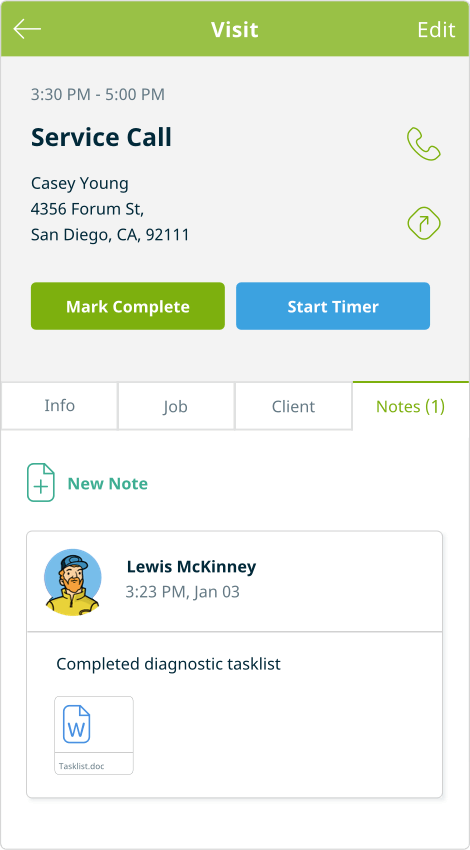
Your client gets a reminder before the assessment date, and the team member responsible for the assessment has all the information they need in the Jobber app.
Once you have all the details in hand, you can convert the on-site assessment to a quote or job in just two clicks.
NOTES AND ATTACHMENTS
Attach photos and files to work requests such as before photos or notes on what equipment your team will need.
You can link notes and attachments across related clients, work requests, quotes, jobs, and invoices. More on note linking.